BigReminder for Windows (beta)
Full-screen meeting reminders for Windows 10 and 11. The same BigReminder as on the Mac: a reminder you can't scroll past, with your meeting link one click away.
Windows 10 (22H2) or 11, 64-bit. Payment by Gumroad.
Looking for the Mac app? →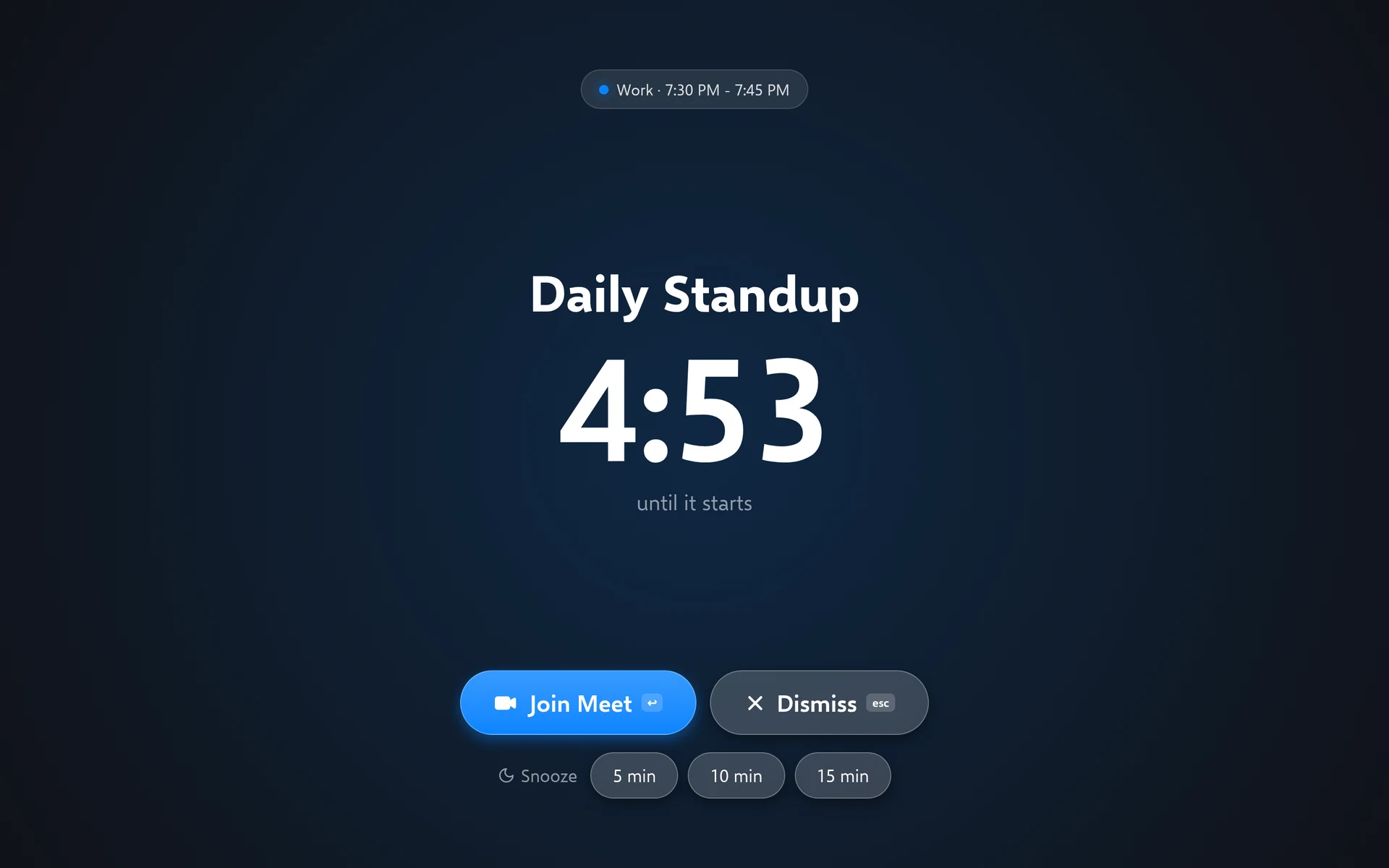
What you get
Full-screen reminders
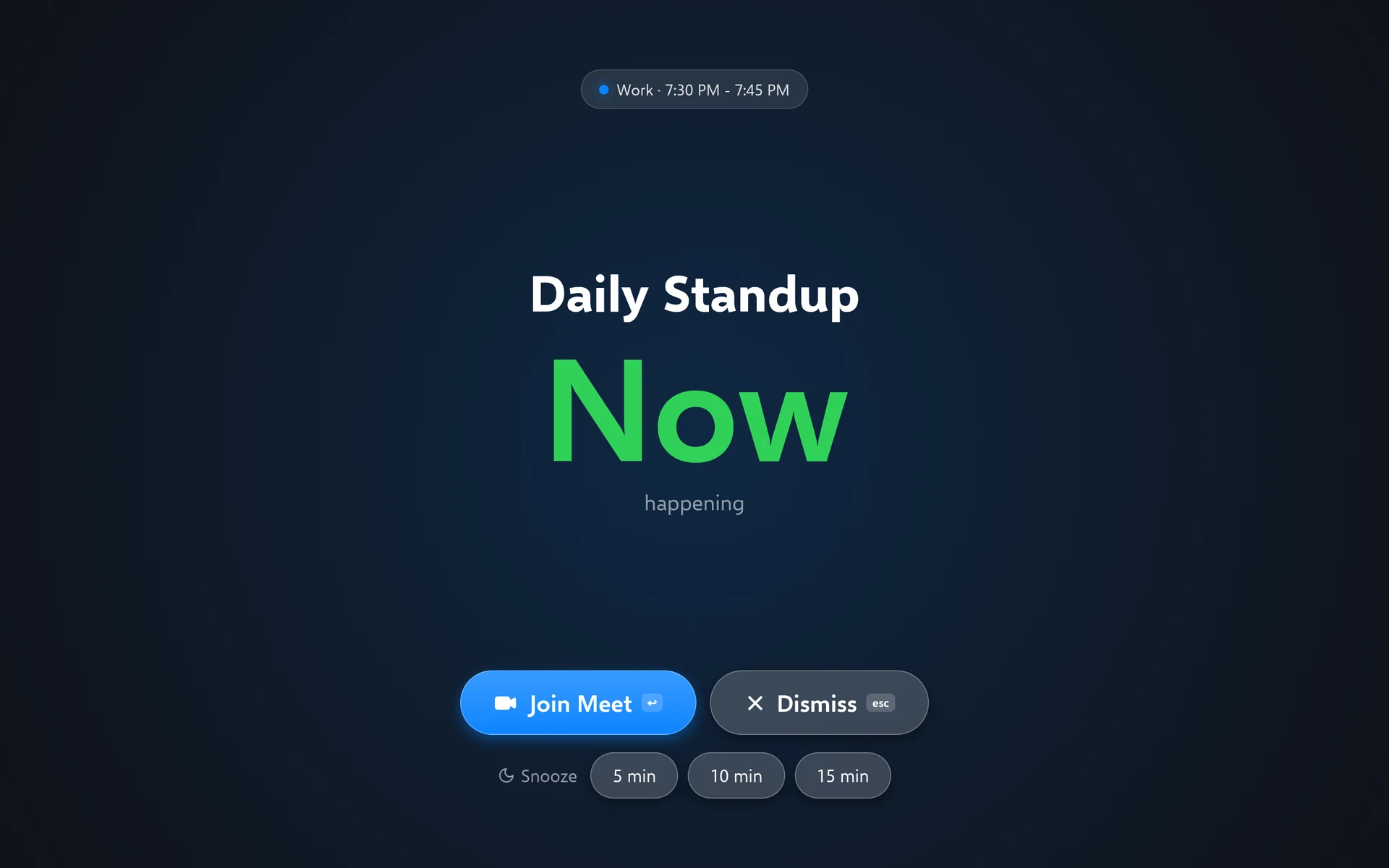
When a meeting is due, BigReminder covers your screen with the title, a countdown and a Join button. Press Enter to join or Esc to dismiss. During presentations and full-screen apps it waits and shows a notification instead, unless you turn on showing over them.
Google Calendar and Outlook
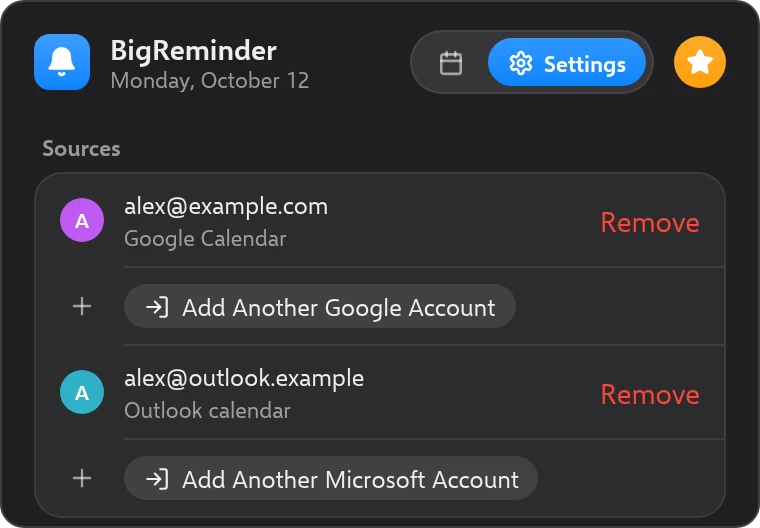
Sign in with a Google account, or a Microsoft account for Outlook.com and Microsoft 365 calendars. Calendar access is read-only. Some organizations need an administrator to approve the app before you can add a work account.
One-click join
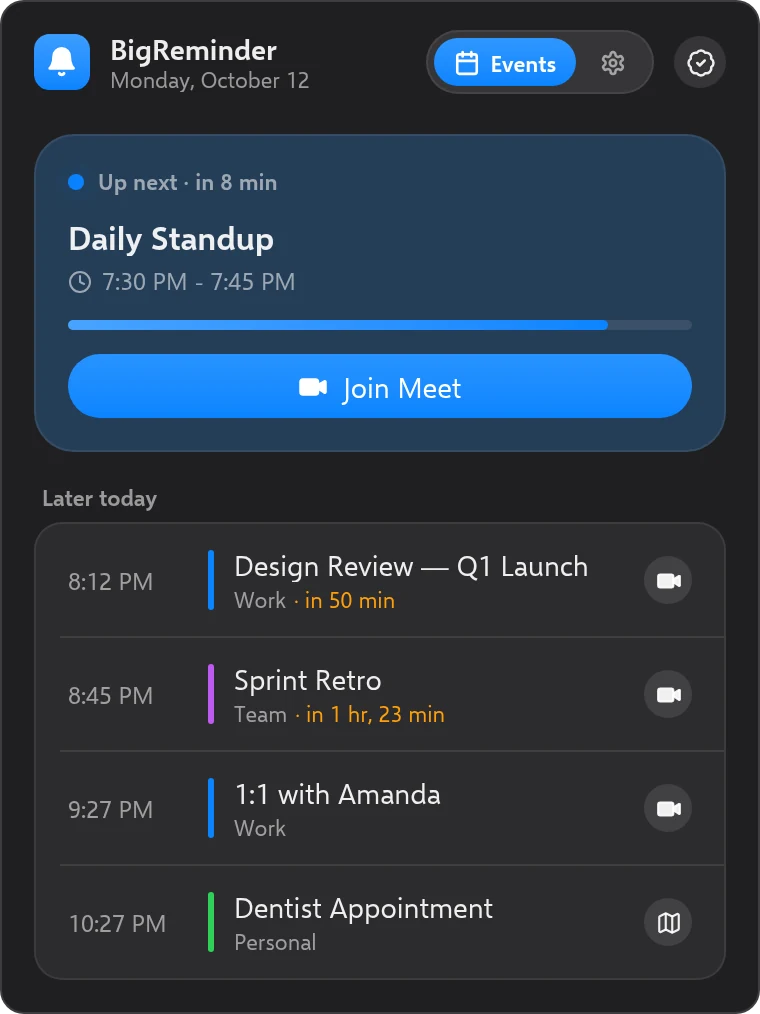
Zoom, Google Meet, Microsoft Teams, Webex, GoTo Meeting and Skype links are detected in your events.
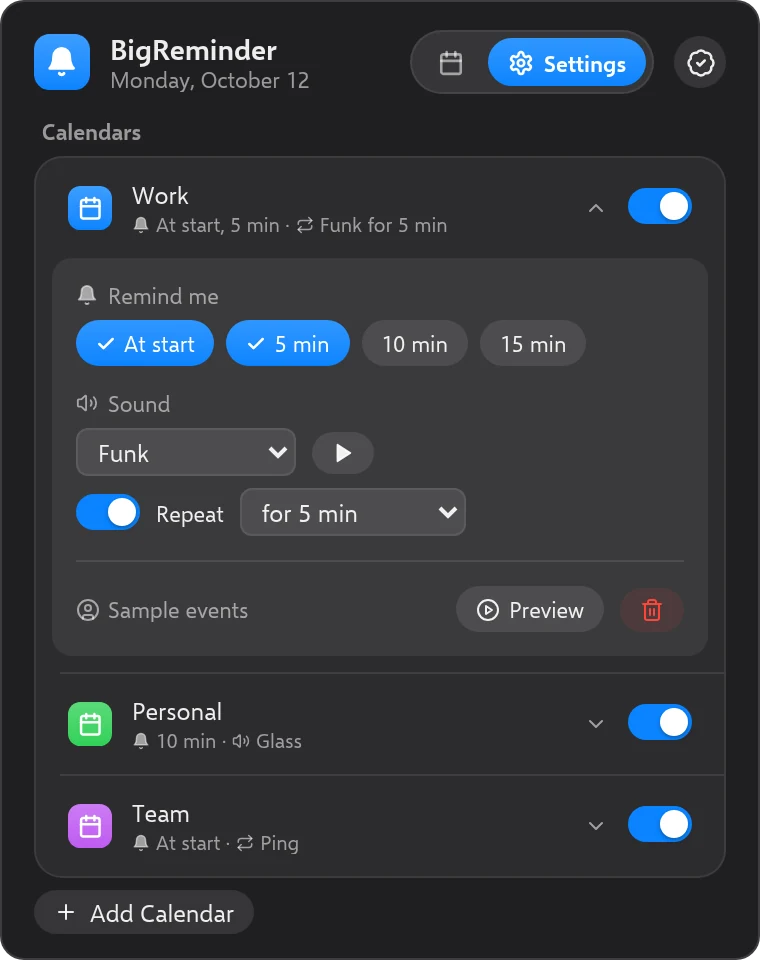
Your timing, your sound
Per calendar: remind at the start, or 5, 10 or 15 minutes before, and pick an alert sound that can repeat until you respond.
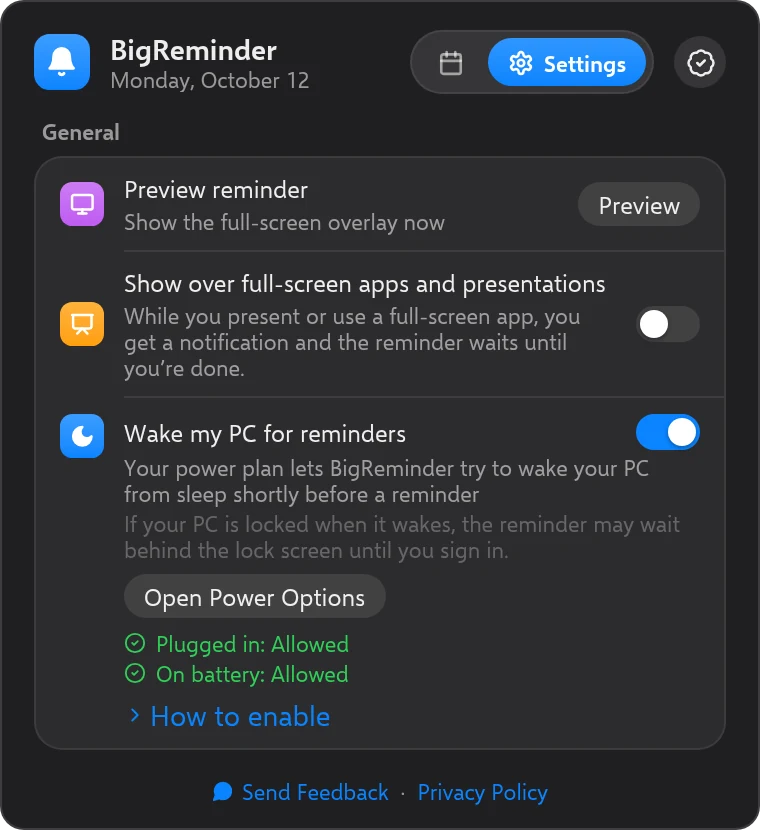
Lives in the system tray
Open the flyout from the tray to see what is next. BigReminder can start with Windows, and can wake your PC from sleep for a reminder (on by default for desktops, off by default on laptops).
Simple, Transparent Pricing
Start free. Upgrade once if you need more.
Free
Get started, no credit card needed.
- 1 calendar
- 1 full-screen reminder per day
- One-click meeting join
- Custom alert sounds
- Per-calendar reminder timing and repeat
- Works with Zoom, Meet, Teams & more
- Free forever — no trial
Pro
One-time purchase. All updates included.
Everything in Free, plus:
- Unlimited calendars
- Unlimited reminders per day
- Snooze reminders
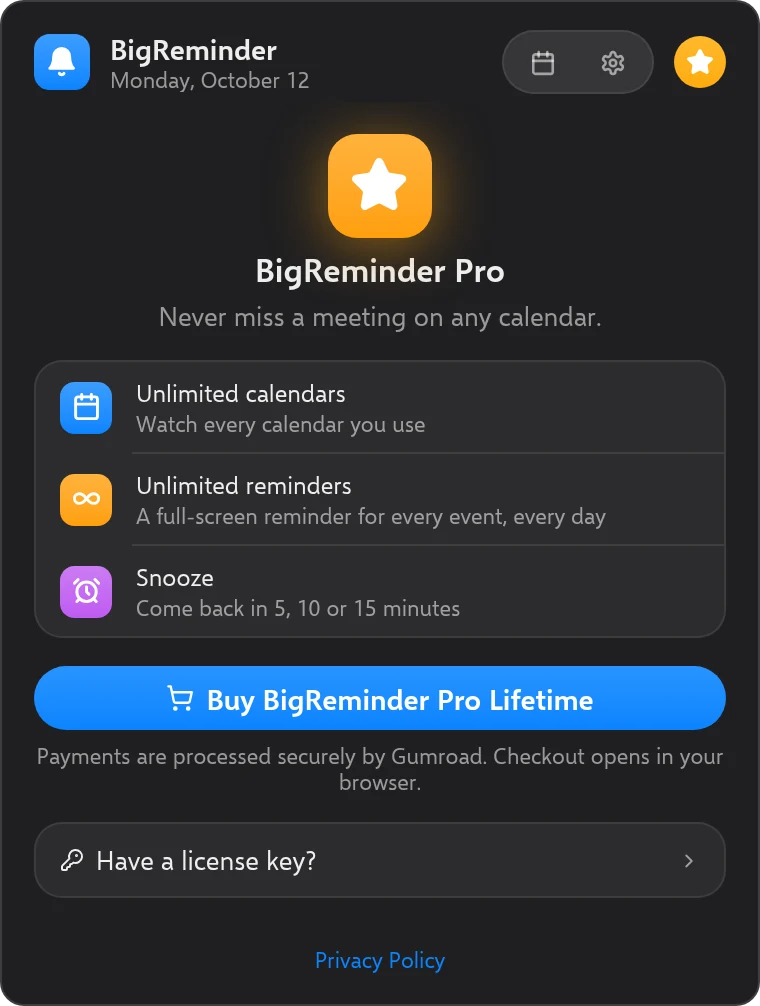
After buying, you get a license key by email. Paste it into BigReminder to activate Pro.
Questions
“Windows protected your PC”? Here’s why
BigReminder for Windows isn't code-signed yet. Code signing has an ongoing cost, and we'd rather keep the price low while the Windows version is in beta. Because of that, Windows SmartScreen may warn you when you run the installer.
- On the blue “Windows protected your PC” screen, click More info.
- Check that the file is the BigReminder setup file you just downloaded, then click Run anyway.
Only run BigReminder installers downloaded from bigreminder.app or our Gumroad page.
Can I add a work Microsoft account?
Yes, for Outlook.com and Microsoft 365 calendars. Calendar access is read-only. Some organizations need an administrator to approve the app before you can add a work account.
Does one license work on my Mac and my PC?
One license works on one device at a time, a Mac or a Windows PC. To move it to another device, email support.
Requirements
- Windows 10 (22H2) or Windows 11, 64-bit
- A Google account or a Microsoft account (Outlook.com, Microsoft 365) with your calendar
- Microsoft Edge WebView2, which Windows 10 and 11 usually already have. If it's missing, the installer downloads it (this needs an internet connection).
On a Mac instead? Get BigReminder for Mac.
Stop missing meetings on Windows
Windows 10 (22H2) or 11, 64-bit. Payment by Gumroad.
Looking for the Mac app? →